
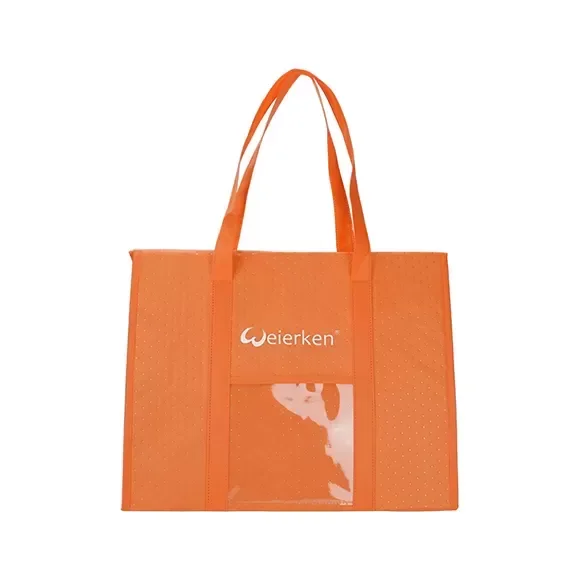
A large grocery delivery bag can hold several orders while still making the first handover difficult. The layout must help staff distinguish orders, retrieve the correct one and close the bag again as the load changes. For a multi-stop program, start with the delivery sequence and package sizes rather than adding compartments by guesswork.
Map a realistic route load
List the common order combinations and which one leaves the bag first. Include fragile items, upright containers and any temperature separation required by the operator’s procedures. Do not assume one bag layout establishes a food-safety holding time.
Use anonymized example orders when sharing the brief with the factory. Customer names and private delivery addresses are not needed to demonstrate the loading problem. Simple order identifiers and package dimensions are sufficient.
Choose separation that remains understandable
Compare removable order totes, dividers and an agreed loading sequence. Check whether identifiers remain visible without removing another order. Color coding can be useful only if staff have an unambiguous instruction; avoid relying on color alone when labels or symbols are needed.
An identification pocket should fit the intended card or document and remain reachable in the carrying position. Confirm how personal data is protected operationally rather than designing a public-facing label that exposes unnecessary customer details.
Review partial-load behavior
Remove the first order, then the next, following the proposed route. Observe whether remaining containers tilt, loose dividers fall or empty space allows orders to mix. Reclose the bag after each handover and check whether staff must rearrange the entire load.
If upright bottles or fragile produce require separate handling, state that explicitly. A successful fit for boxed goods does not automatically verify the same layout for every grocery category.
Make the layout repeatable across the fleet
Create an illustrated load map with order identifiers, permitted combinations and the intended removal sequence. Review it with the dispatch team, not only the purchasing contact. A design works only if the operating team can reproduce the arrangement.
When packaging sizes change, update the load map and review the affected configuration. Keep bag and insert revisions linked so a spare divider is not ordered against an obsolete layout.
Purchasing worksheet
Use this as a project worksheet, not a completed test report. Swipe the table on a small screen.
| Route stage | Review | Record |
|---|---|---|
| Dispatch | Common package combinations | Anonymized load map |
| First handover | Correct order accessible | Retrieval sequence |
| Remaining stops | Partial load stays organized | Reclosed bag observations |
Buyer FAQs
Should each order always have its own fixed compartment?
Not necessarily. Compare the package sizes, cleaning needs and route sequence before choosing fixed or removable separation.
Can a load map replace food-handling procedures?
No. It supports order organization; temperature and food-safety requirements need their own operating and verification scope.
Explore our delivery bag manufacturing alongside the project worksheet below.
Prepare your Weierken project brief
Send anonymized order examples, package dimensions and the normal stop sequence. Weierken can review a layout that remains usable after the first order is removed.
Related guidance: handover planning, compartment specifications. Send your project details to Weierken.
From brief to sample
Build the right bag for your collection.
Share the intended use, product format, quantity and destination market. Weierken can review the construction and sampling requirements with your team.
Discuss your bag project Explore OEM & ODM